Read without stopping.
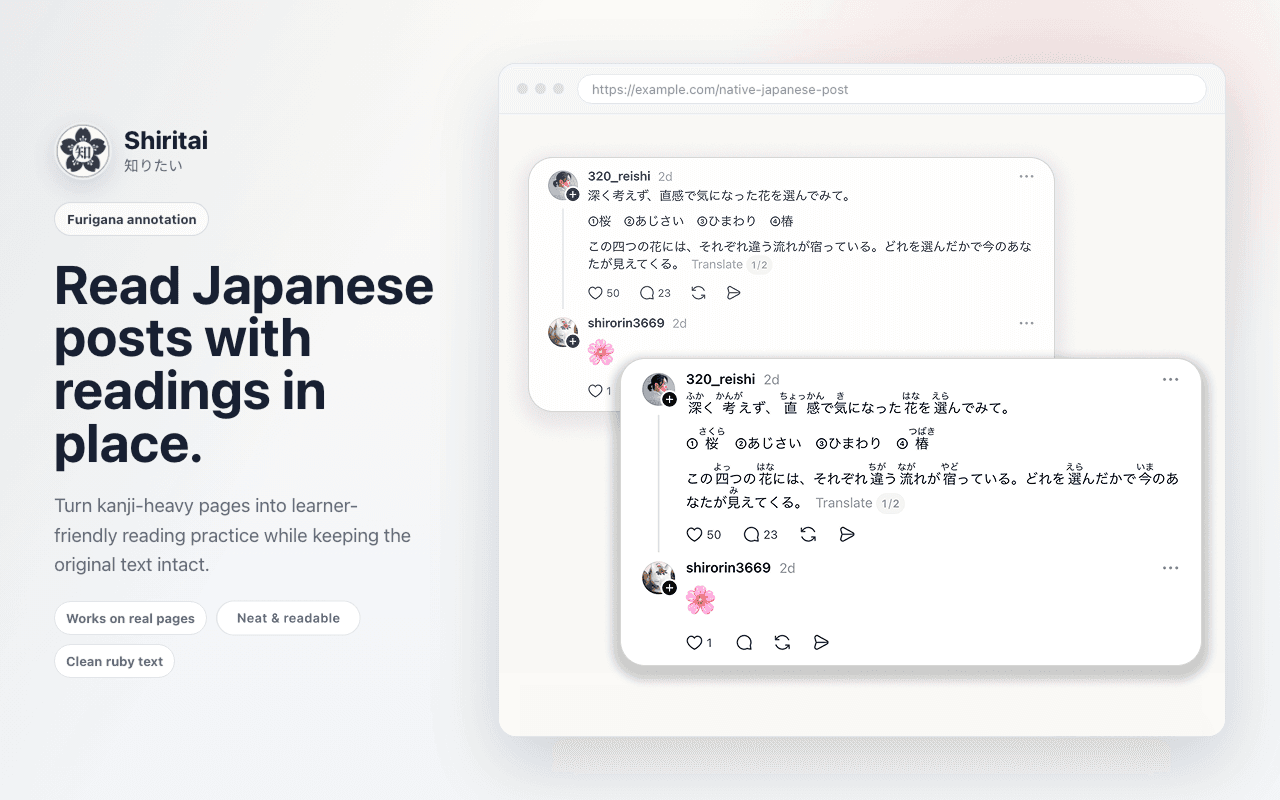
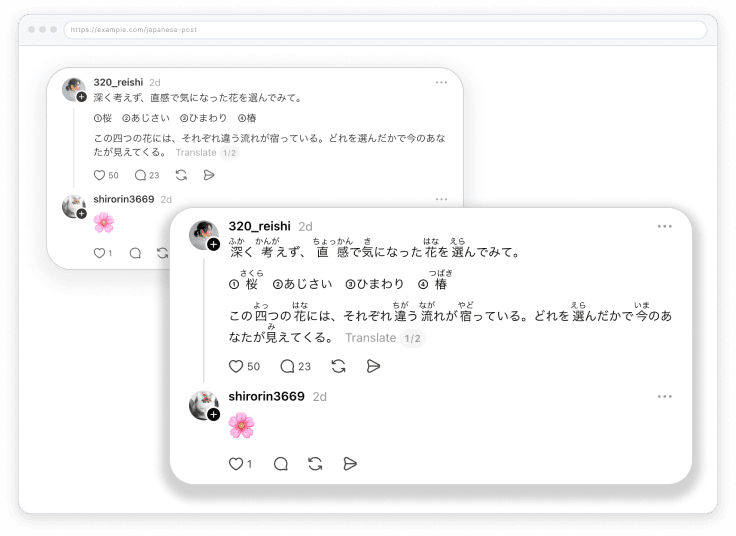
Turn the Japanese already on the page into approachable reading practice. Clean hiragana appears above kanji while every sentence stays in place.
- Local dictionary
- Real web pages
- Original text intact

Shiritai puts readings where you need them and explanations one right-click away. No tab juggling. No dictionary detours.
Add to Chrome
How Shiritai keeps you reading
Turn the Japanese already on the page into approachable reading practice. Clean hiragana appears above kanji while every sentence stays in place.

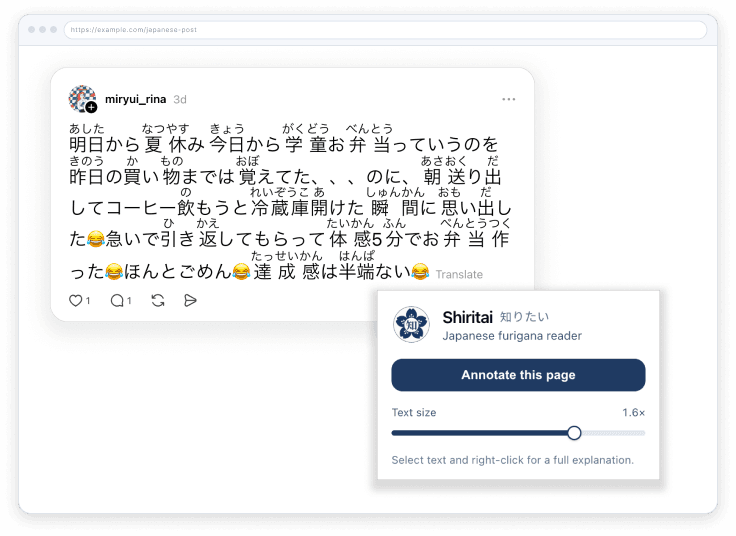
Open one small control, toggle furigana, and resize the readings for your eyes. Shiritai remembers the setting for next time.

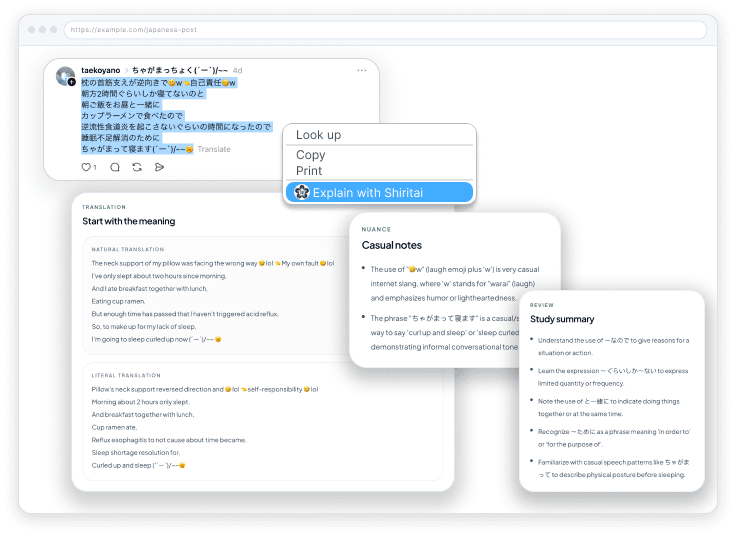
Highlight any tricky phrase and send it to Shiritai for translation, grammar, vocabulary, kanji, and the nuance native posts rarely spell out.

From install to understanding
Install the extension and pin it to your Chrome toolbar.
Click the Shiritai icon to add furigana to the page you are reading.
Select a difficult phrase, right-click, and open its Shiritai study card.
Private by default
Yes. The extension is free to install, and furigana works without an account. Explaining a selection uses the shared daily limit on shiritai.app.
No. Readings run entirely in your browser using a built-in dictionary, so they work offline on any page.
Any Chromium browser with extension support, including Chrome, Edge, Brave, and Arc.
Refresh tabs that were already open when you installed the extension. Then confirm the popup toggle is on and the page contains Japanese text.
Showing furigana sends nothing. Only text you deliberately choose to explain is sent to shiritai.app.
Free for Chromium browsers